
The project itself :
Project Overview
Aether is a speculative rehabilitation concept exploring how wearable technology, haptic feedback, and adaptive interfaces could help people recovering from neurological injuries reconnect movement with sensory feedback.
Problem:
Neurological injuries can disrupt proprioception and kinesthesia, making movement feel uncertain and reducing physical independence.
Goal:
Design a speculative system that uses clear visual and haptic feedback to support sensory grounding, movement awareness, and user autonomy.
My role:
Co-Lead UX Designer & Interaction Architect
I co-led the UX strategy and focused on interaction logic, accessibility, and the relationship between wearable feedback and the digital interface.
Responsibilities:
Conducted qualitative user research
Translated research into interaction requirements
Designed dual interface modes and feedback patterns
Prototyped accessible wearable-to-app interactions
All about the user :
User Research
I interviewed stroke survivors, veterans with neurological injuries, and specialized caregivers to understand how disrupted proprioception affects movement, confidence, and independence.
A consistent theme emerged: recovery challenges were not only physical—they were tied to unreliable sensory feedback and loss of autonomy.
Pain Points
Loss of autonomy:
Unreliable body-position feedback made everyday movement feel uncertain and mentally exhausting.
Delayed feedback:
Rehabilitation often relies on external visual cues rather than immediate sensory feedback during movement.
Sensory anxiety:
Uncertainty about body position contributed to stress, vertigo, and avoidance of movement.
Representative Users
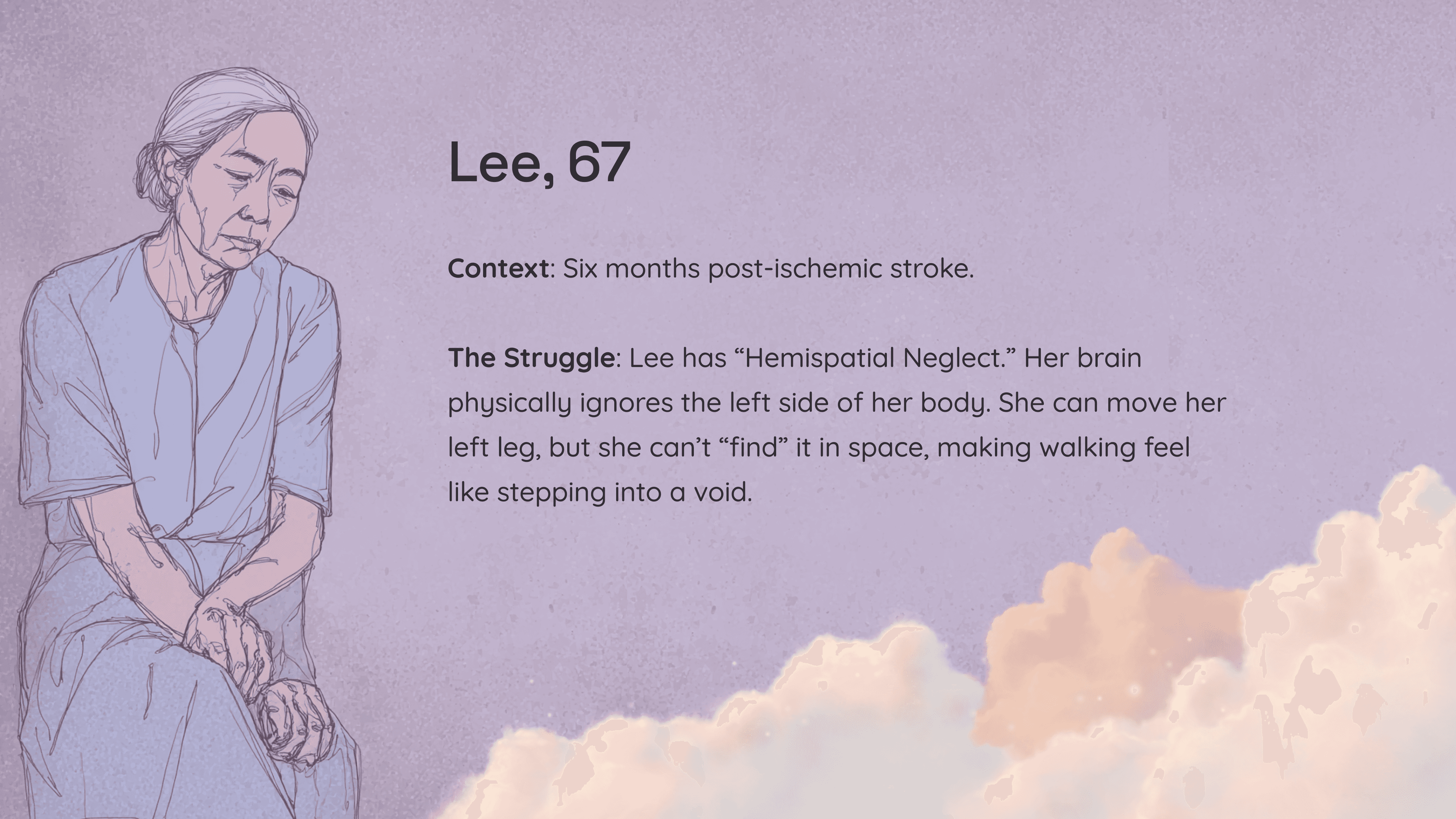
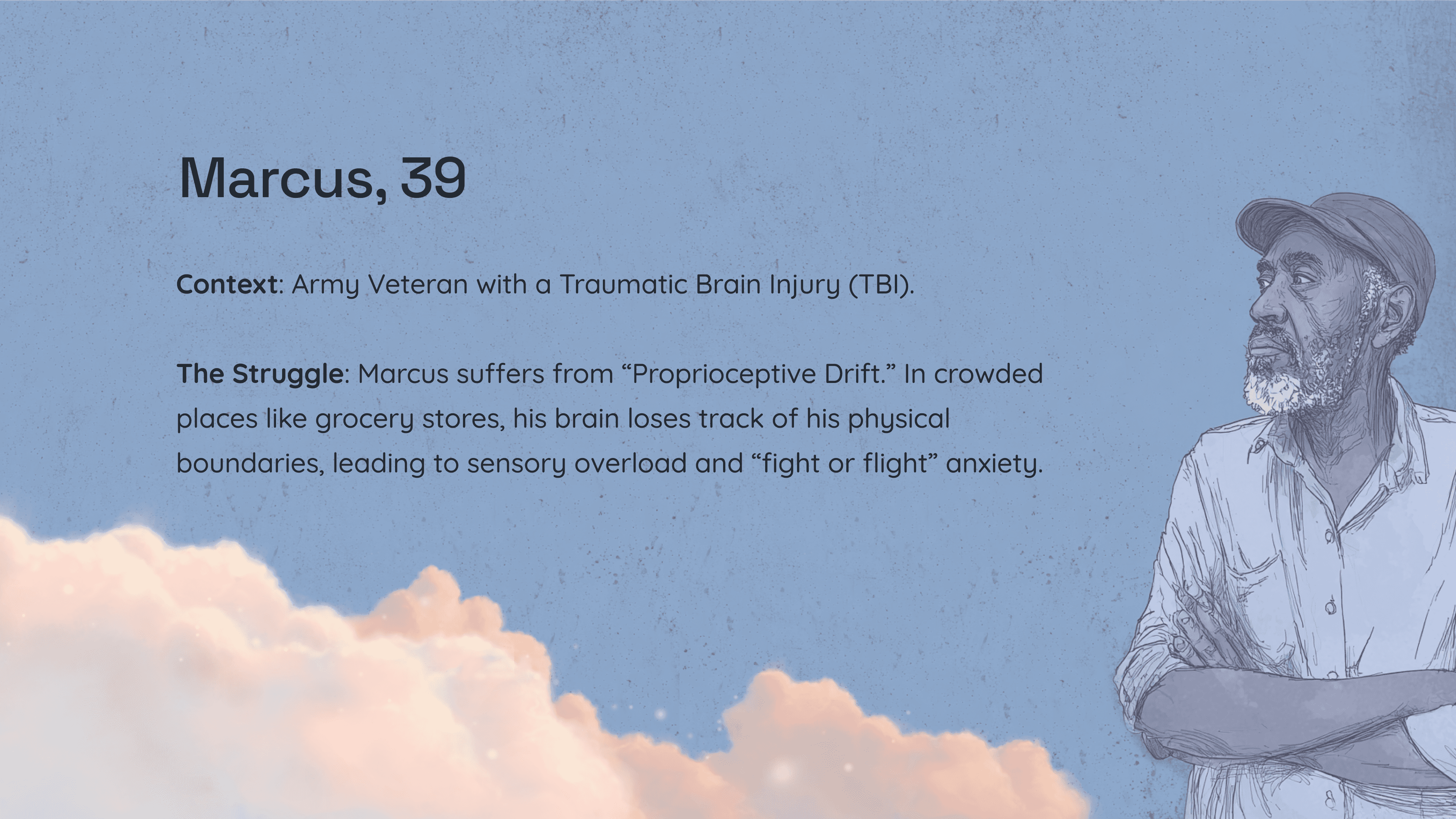
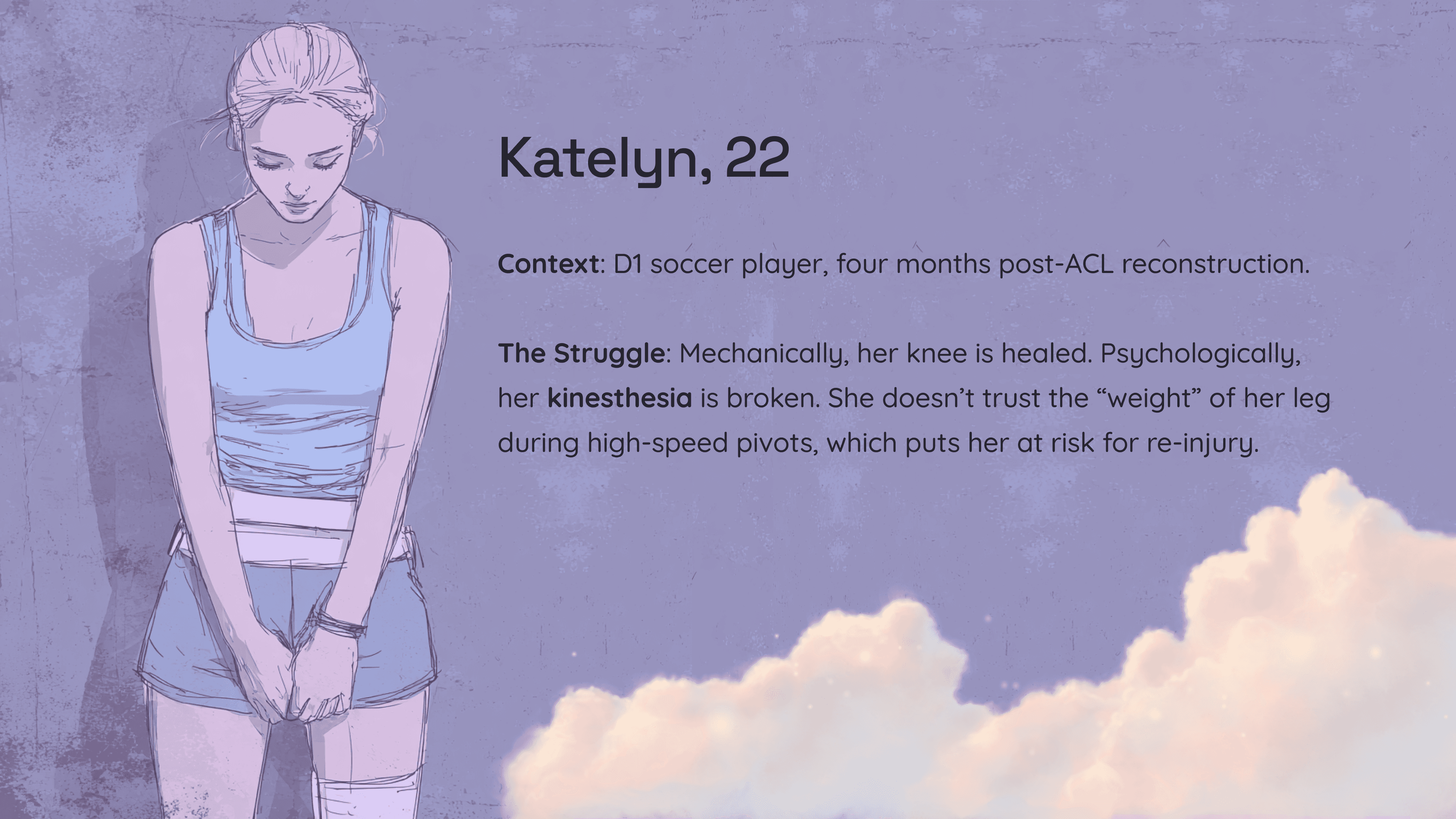
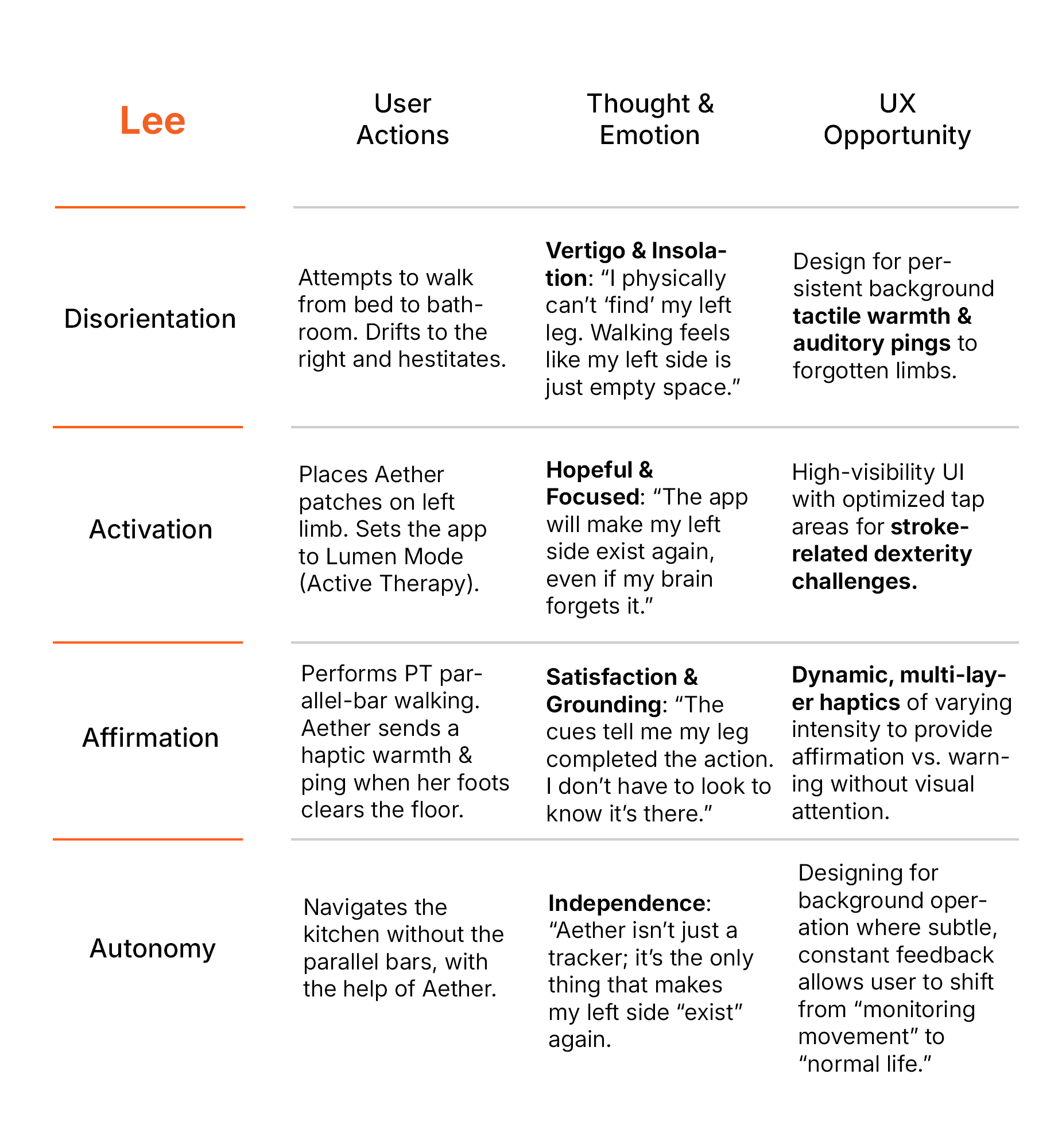
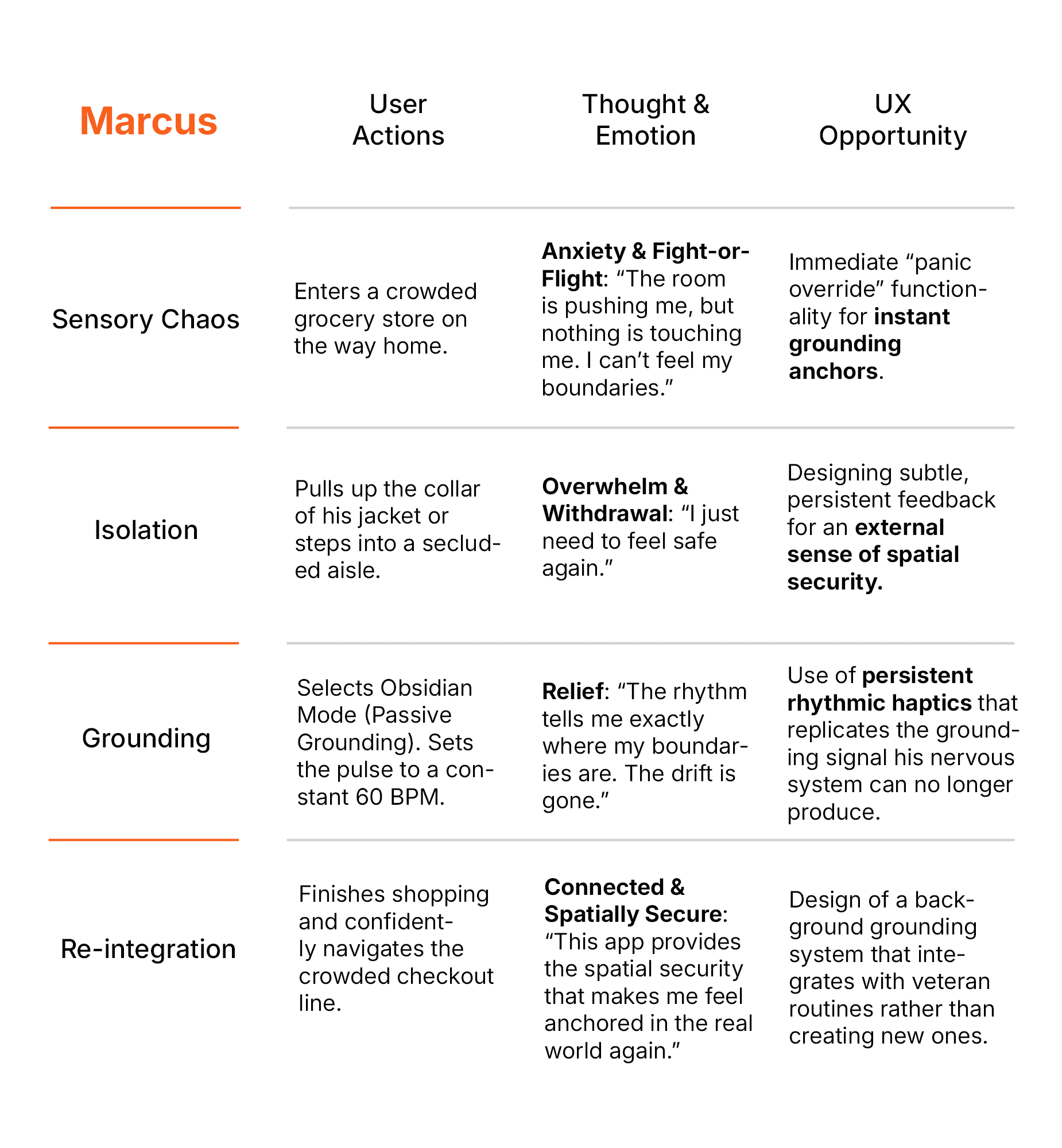
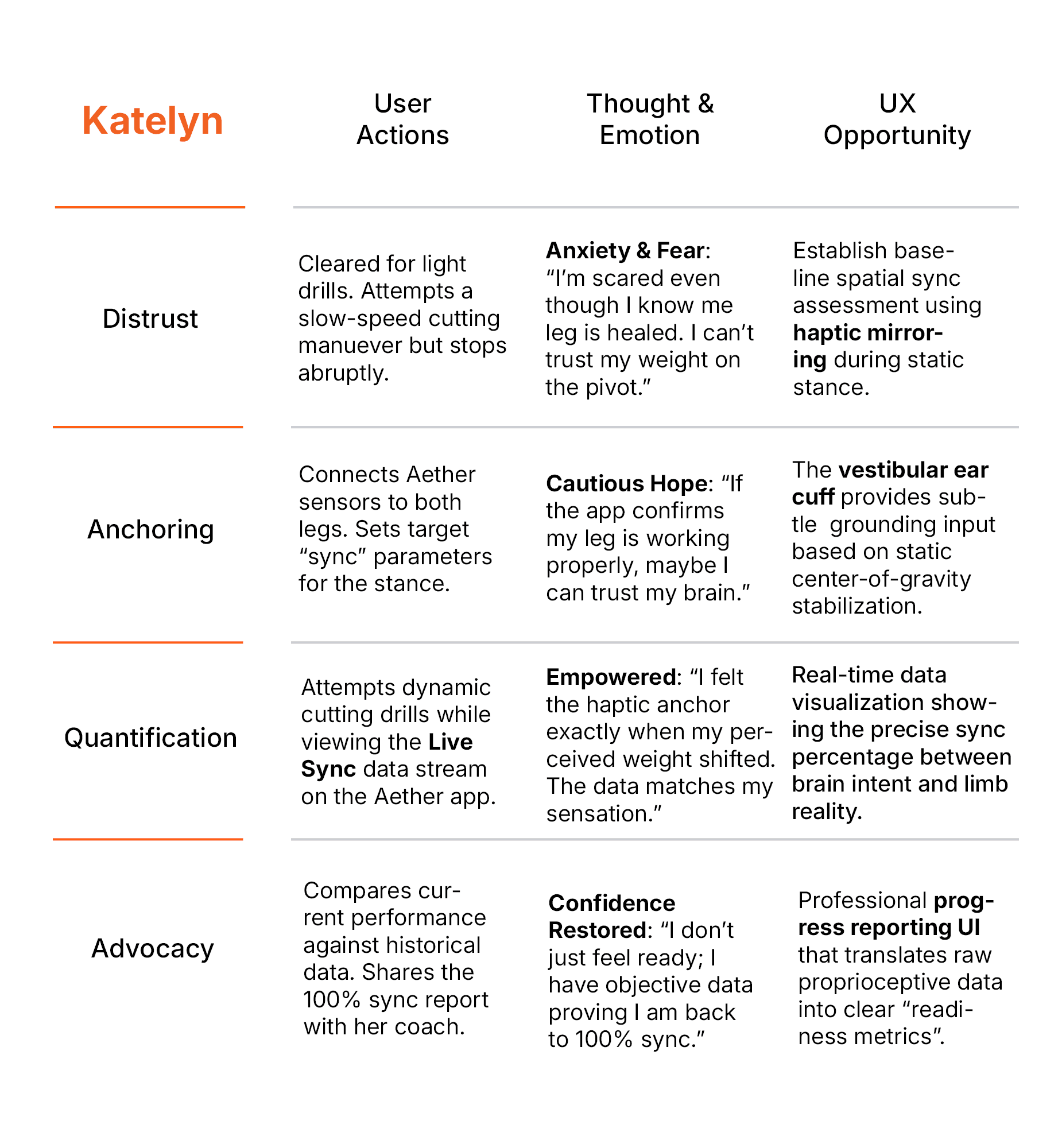
I synthesized recurring interview themes into representative profiles to keep different recovery contexts, abilities, and accessibility needs visible throughout the design process.
User Journey Map
Mapped the recovery journey to identify where Aether could reduce friction, reinforce confidence, and support greater independence.
I used the journey map to connect user actions, emotional states, and design opportunities across the recovery experience.
Goal
Create a feedback loop that reduces cognitive load and helps users move with greater confidence and independence.
The project schematically :
Starting the Design
I mapped how Aether’s wearable hardware, sensory feedback, and digital interface would work together, then translated that system into structural flows and low-fidelity concepts before moving into high-fidelity design.
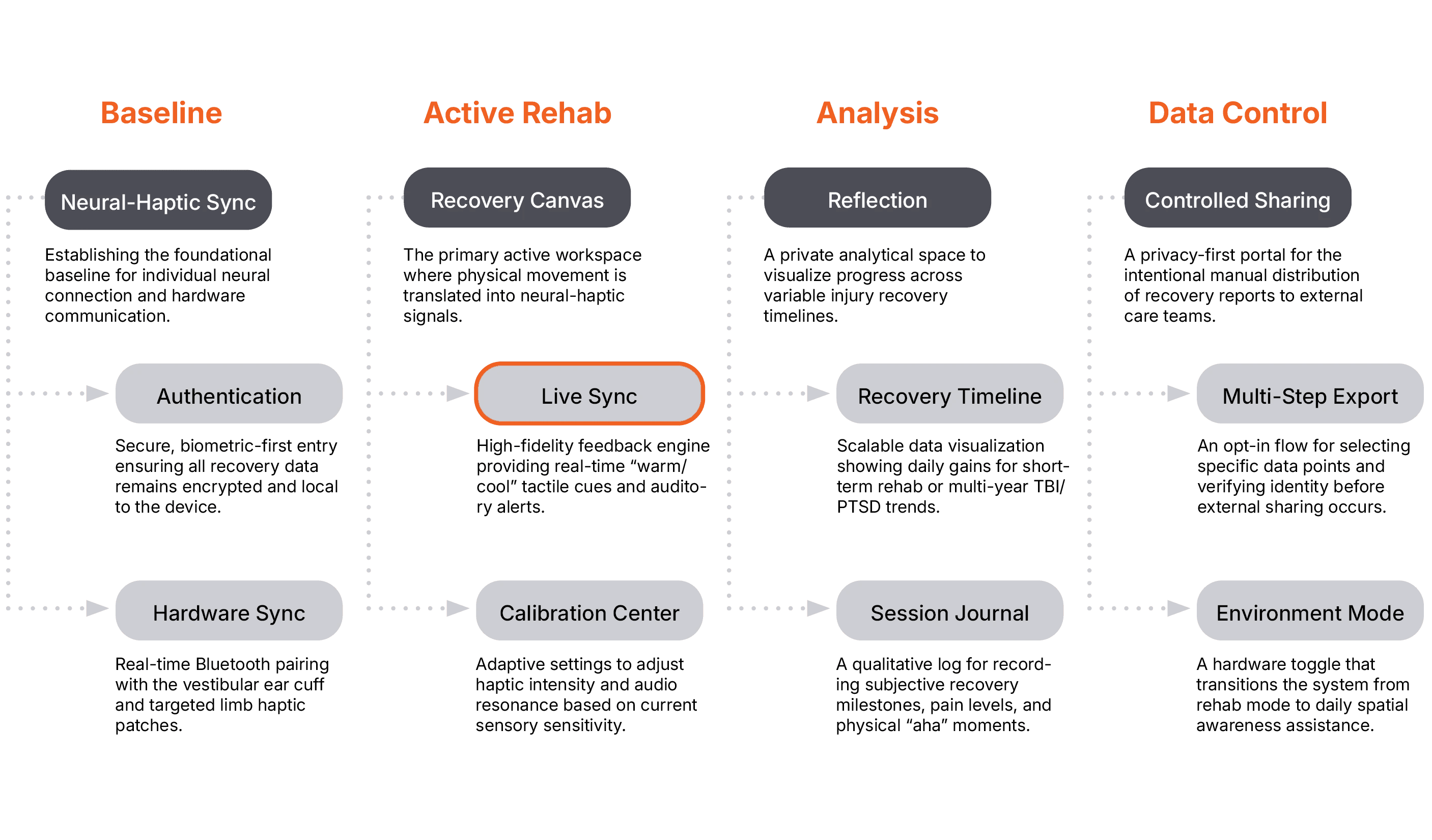
Appmap
Mapped the relationship between haptic feedback, recovery tools, analysis, and data control across the Aether ecosystem.
I designed a modular structure that supports real-time feedback, long-term recovery, and privacy by default. The system separates active rehabilitation, reflection, and data sharing so users remain in control of how their recovery data is used.
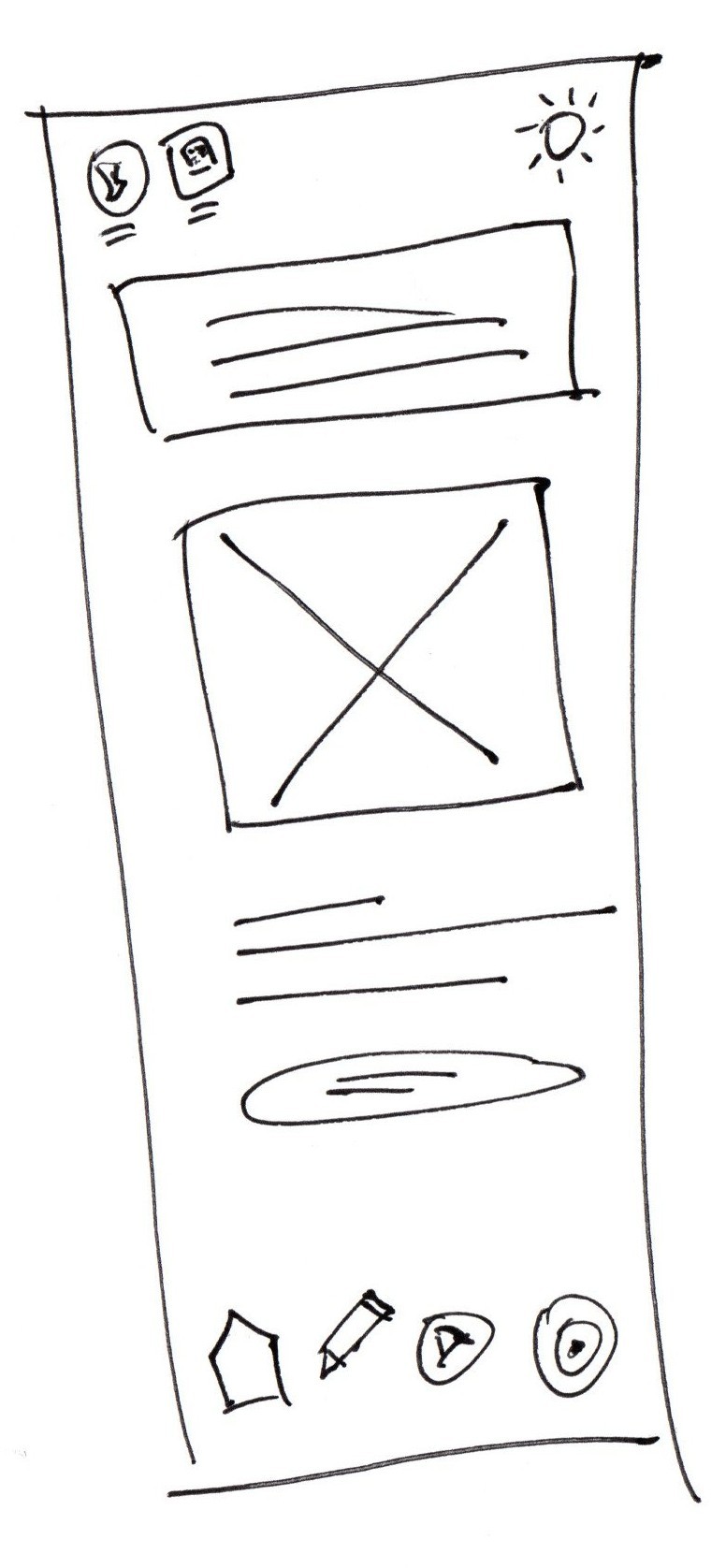
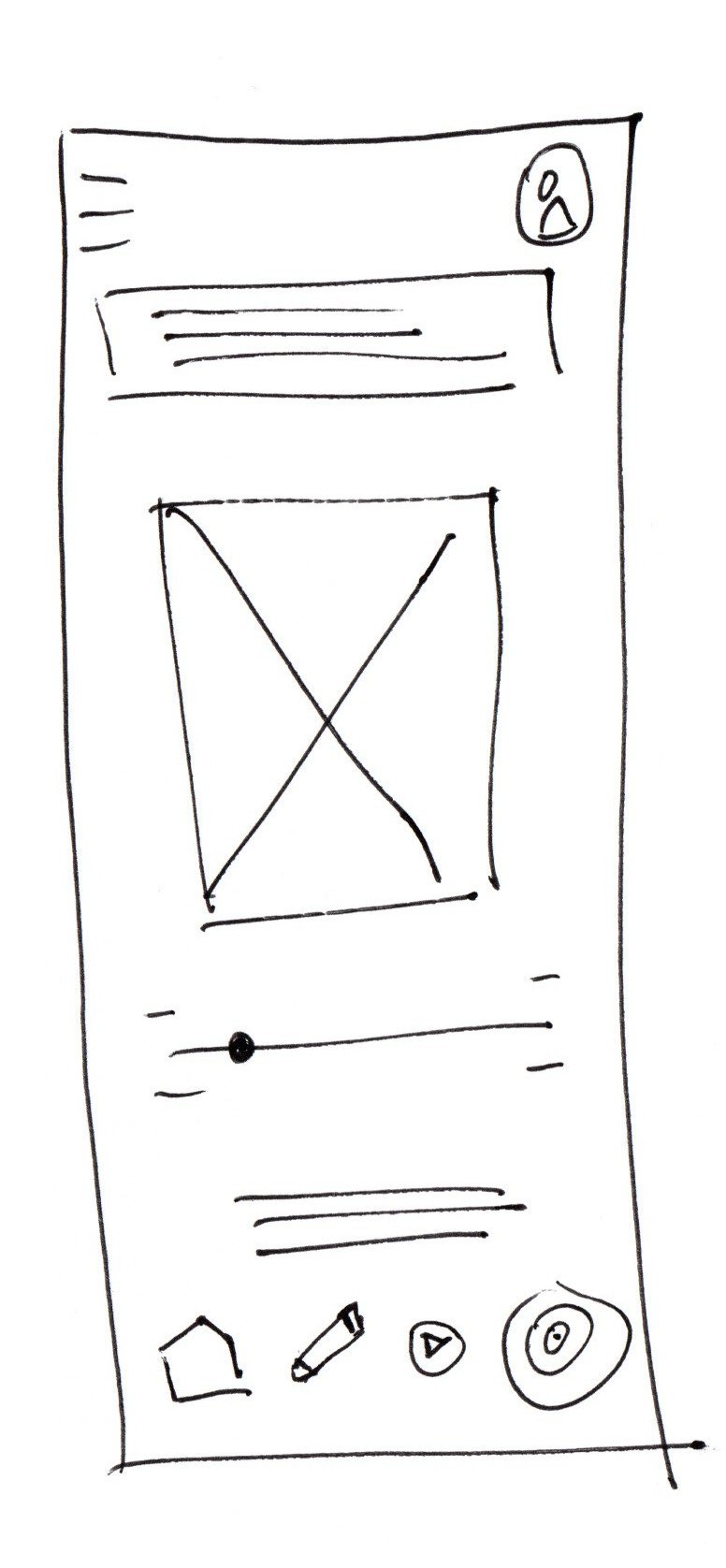
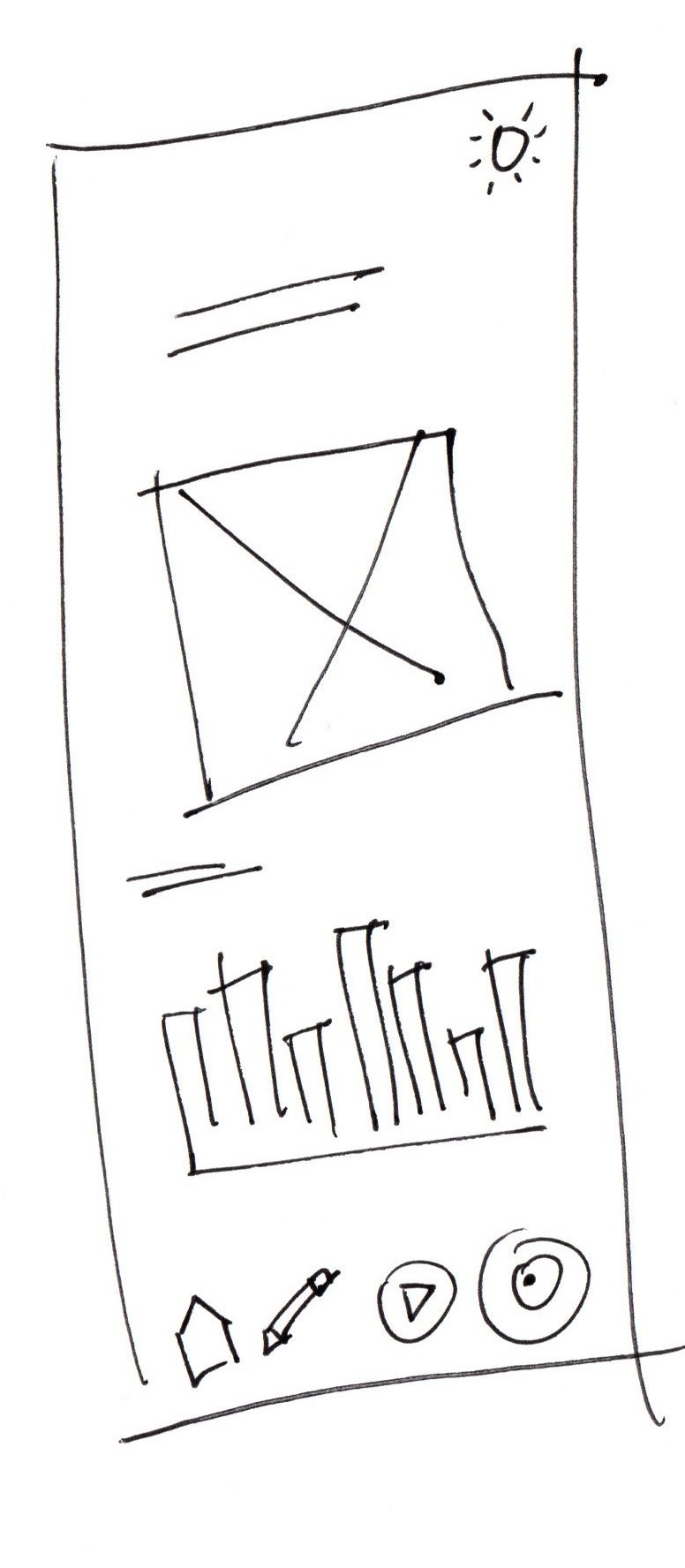
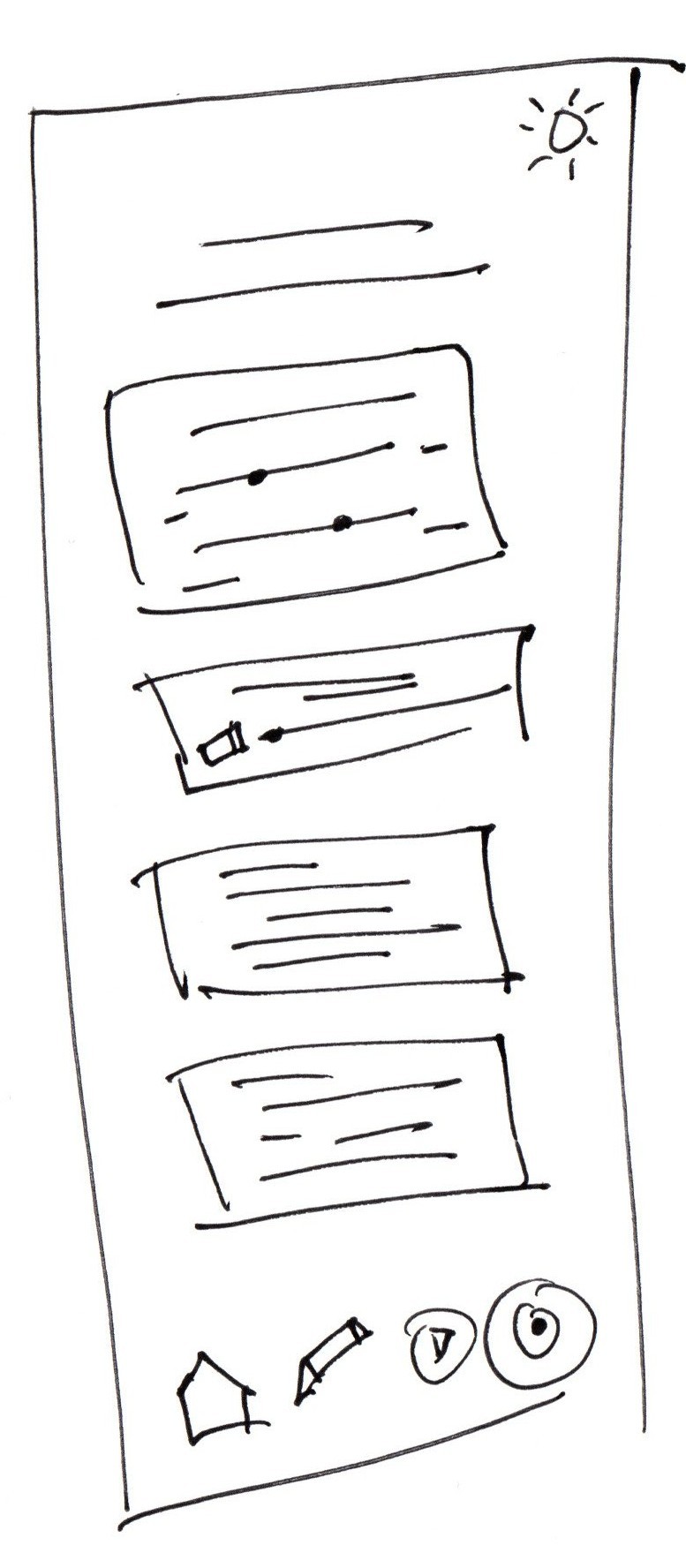
I sketched the core Aether views to test information hierarchy, feedback placement, and navigation before moving into digital design.
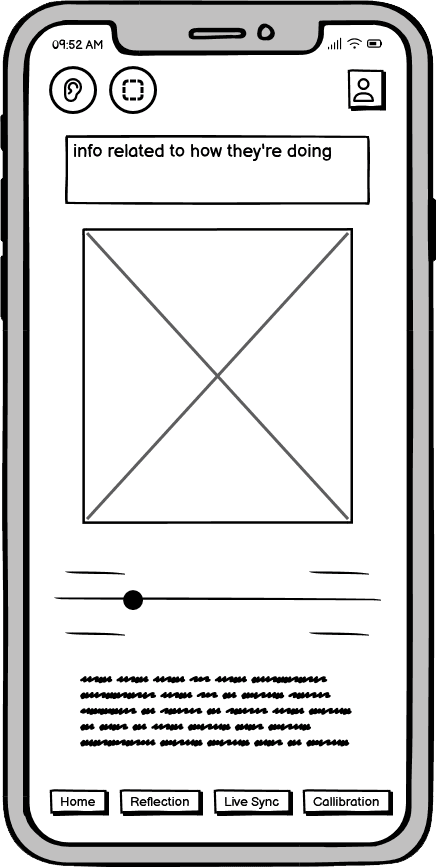
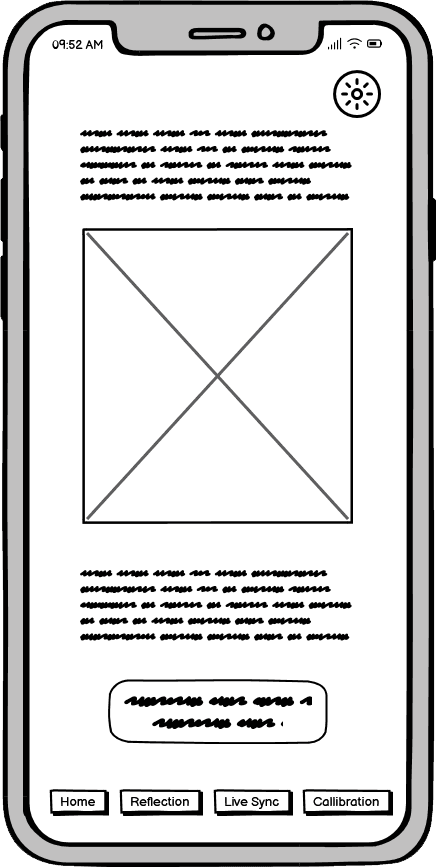
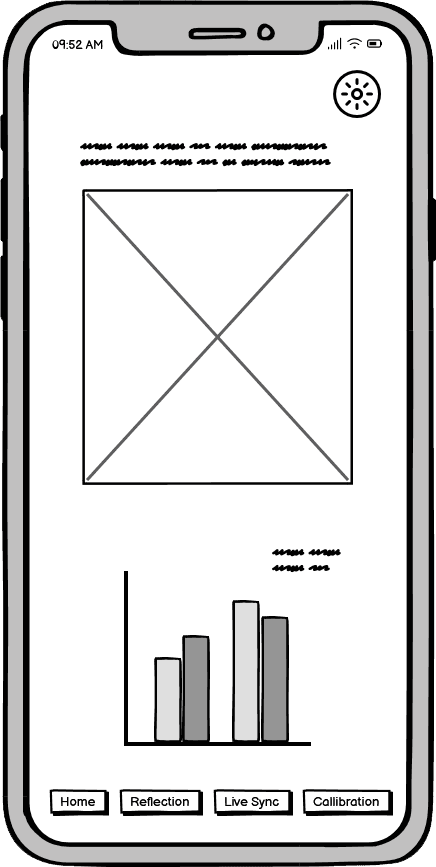
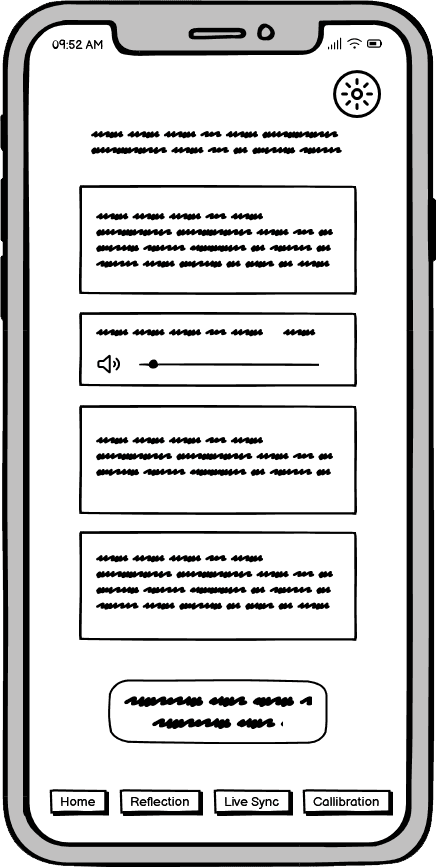
Digital Wireframes
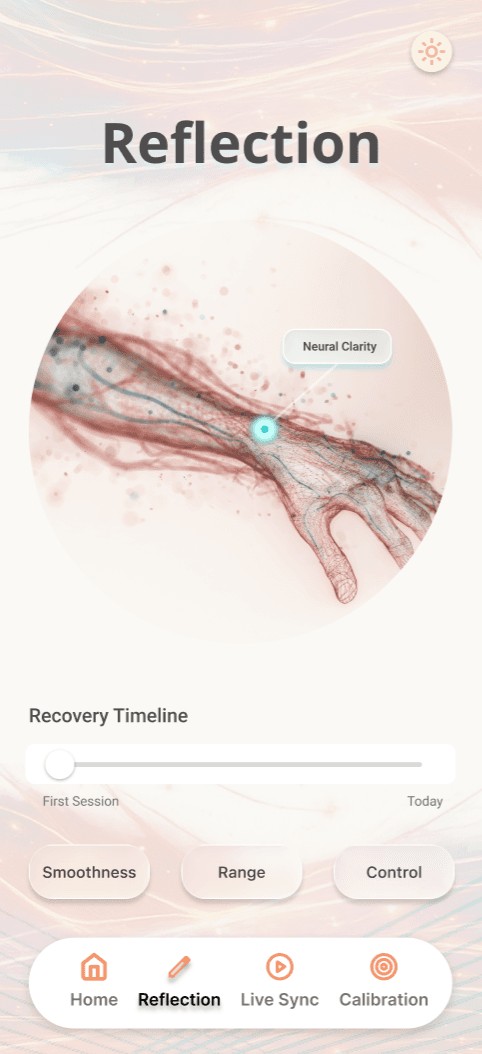
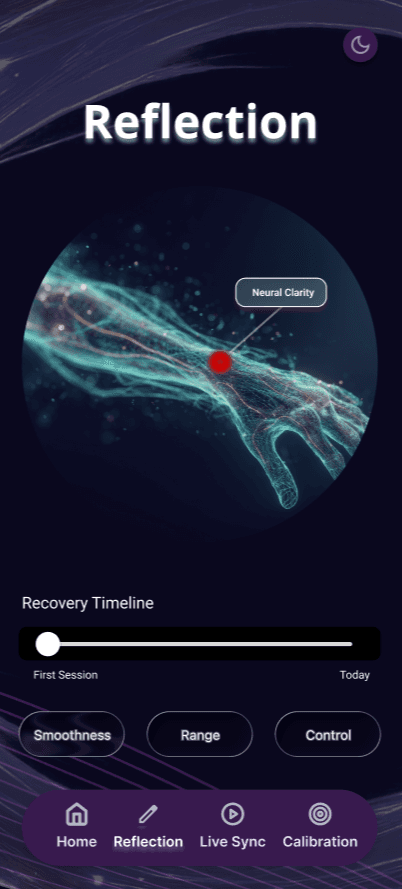
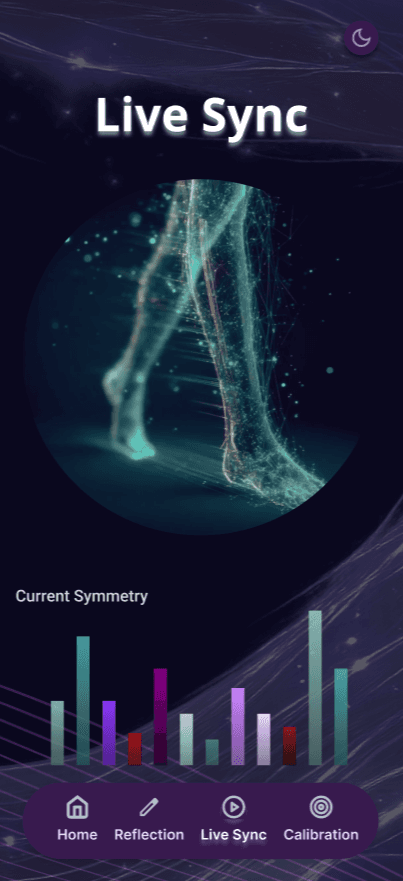
Refined the structure and hierarchy of the Live Sync and Reflection experiences.
I translated the strongest concepts into digital wireframes, prioritizing real-time symmetry, progress tracking, and simple navigation for users who may experience cognitive or motor fatigue.
Usability Studies
Rapidly tested the concept with healthcare professionals, veterans, and people with stroke-recovery experience to identify critical functional and emotional requirements.
Within the 3.5-day sprint, I used concept testing to validate Aether’s core interaction model and identify the design requirements that mattered most before hardware development.
Managing Sensory Overload
The Insight: Sensory noise can become overwhelming during early recovery.
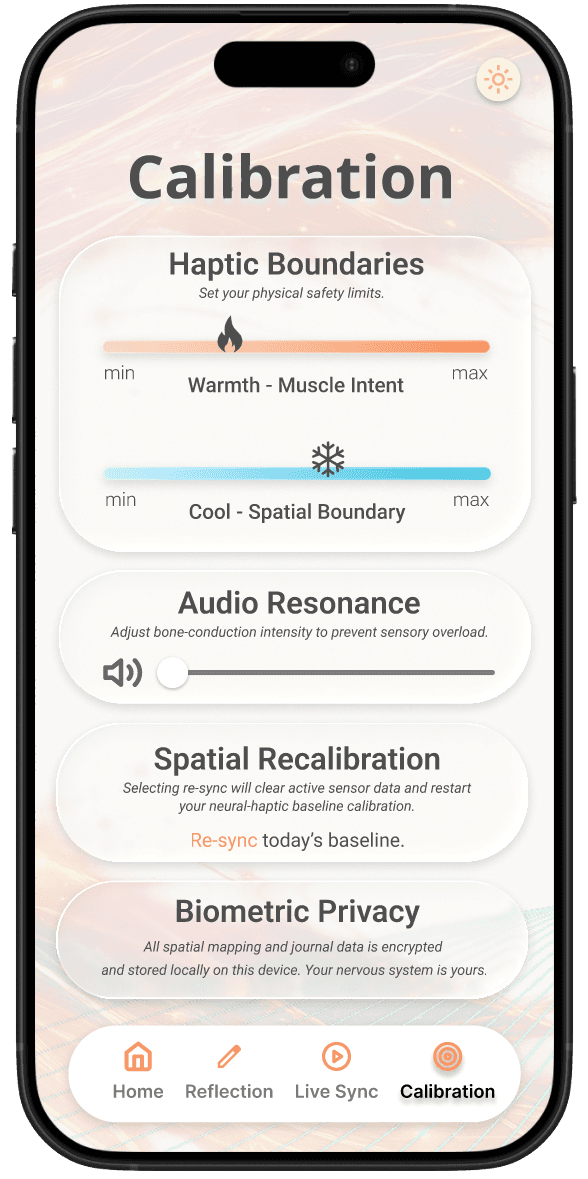
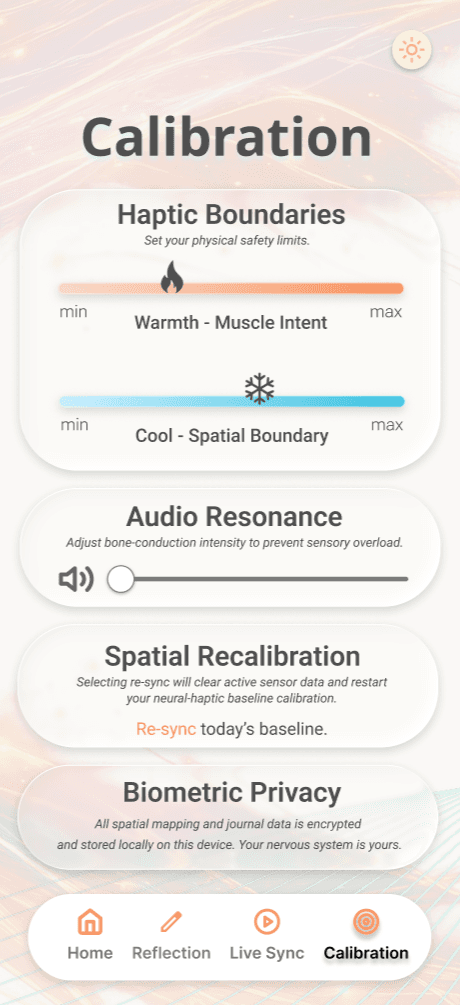
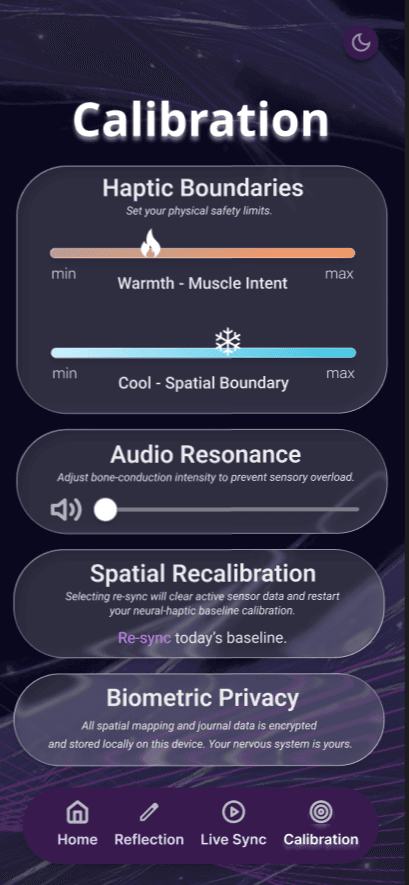
The Design Intervention: Made haptic and auditory feedback adjustable, allowing users to reduce intensity based on comfort and energy levels.
The Requirement of Data Sovereignty
The Insight: Participants wanted clear control over how recovery data was stored and shared.
The Design Intervention: Prioritized a local-first, private-by-default model with deliberate, multi-step sharing.
Visual-to-Tactile Reinforcement
The Insight: Participants described proprioception loss as difficult because the missing feedback is largely invisible.
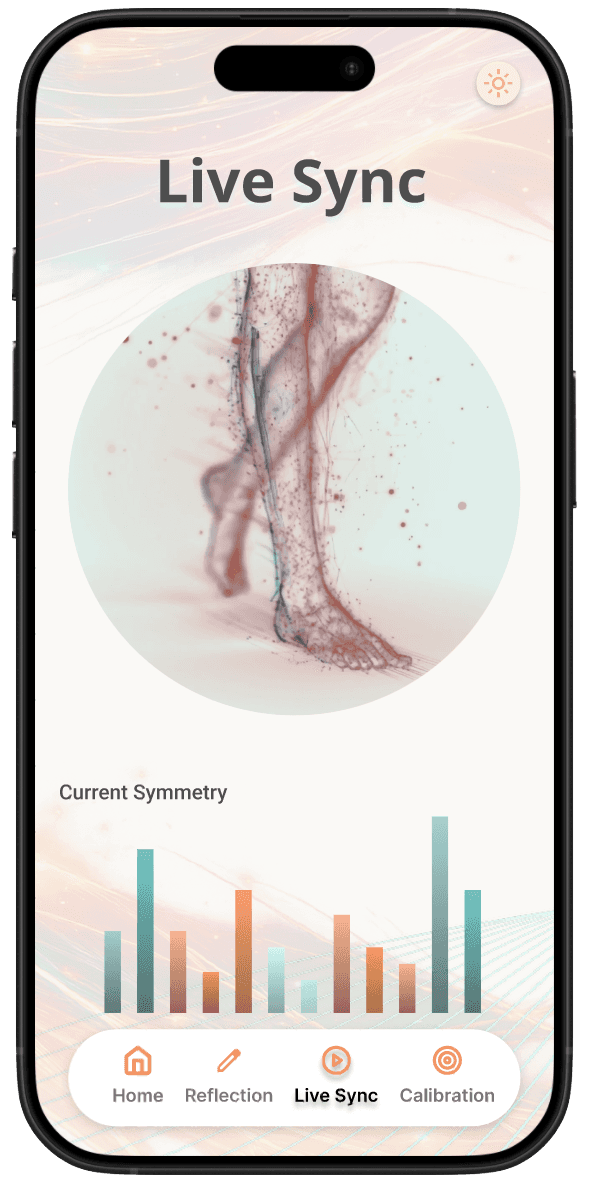
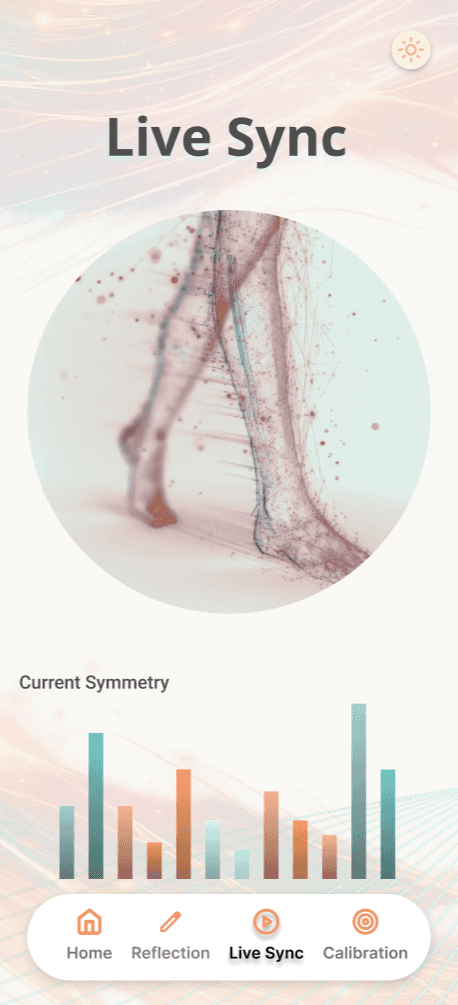
The Design Intervention: Used Live Sync visualizations to reinforce haptic feedback and make movement patterns easier to interpret.
The clear version :
Refining Design
I translated the research findings and structural concepts into a high-fidelity visual system, refining the interface around accessibility, sensory comfort, and clear feedback.
Mockups
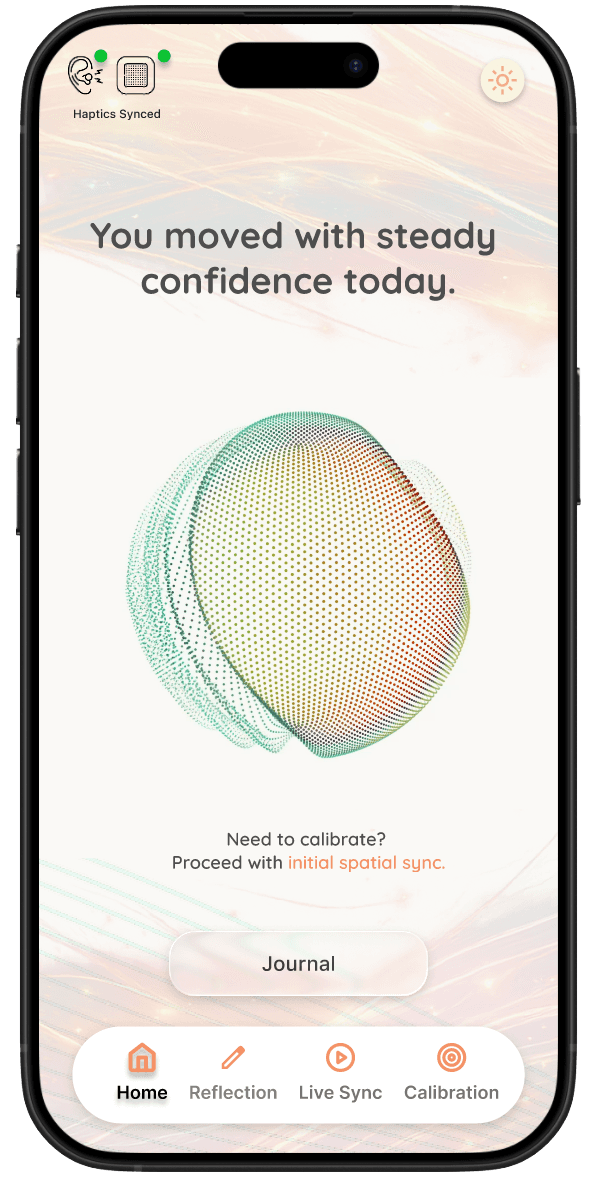
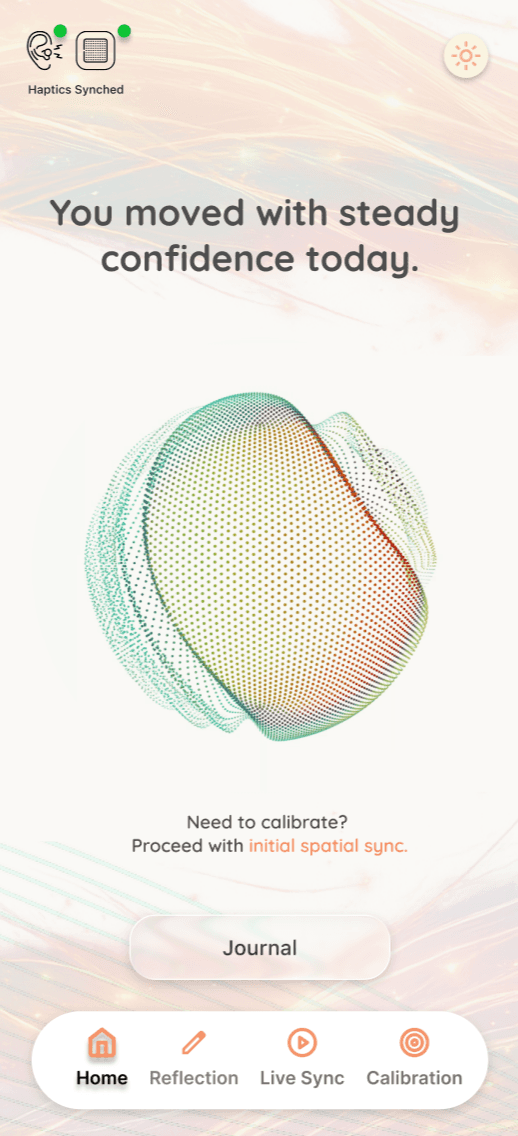
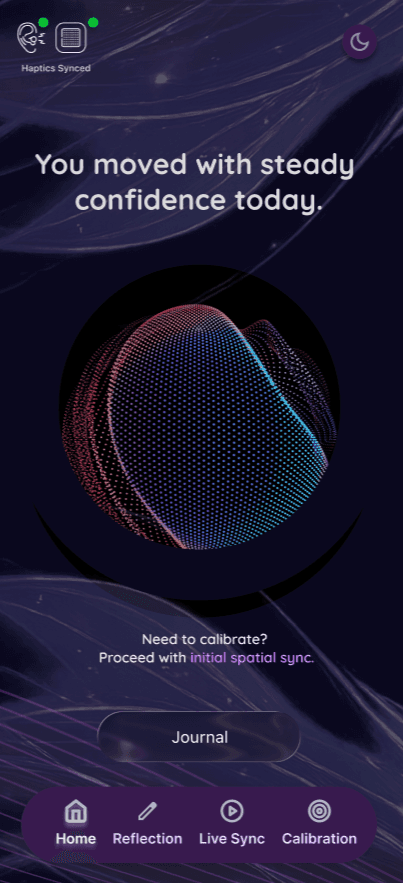
Applied the interaction model to a polished visual system with accessible touch targets, high contrast, and light/dark modes.
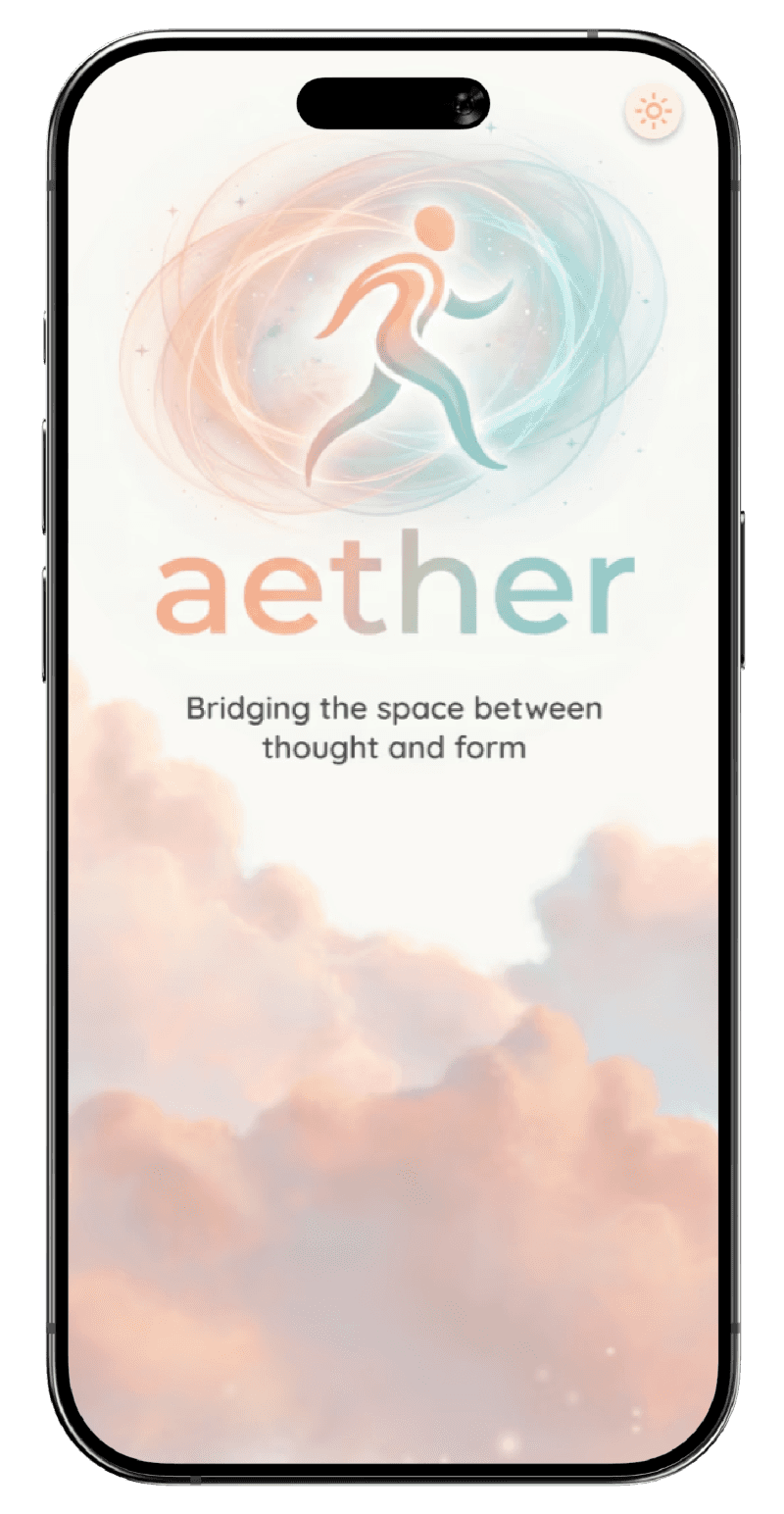
Aether’s visual language uses organic forms and a calm palette to reduce cognitive strain. I designed both light and dark modes to support light sensitivity while keeping the interface clear, legible, and easy to navigate.


High-fidelity prototype
Interactive prototype demonstrating Aether’s core feedback, calibration, and mode-switching experiences.
The walkthrough shows transitions between Lumen and Obsidian modes, real-time gait symmetry, and thermal-haptic calibration.


The project schematically :
Outcome
The sprint produced a high-fidelity concept and a clearer direction for how Aether could combine visual, haptic, and privacy-first feedback to support neurological rehabilitation.
Takeaways
Aether reinforced the importance of designing rehabilitation experiences around sensory comfort, autonomy, and cognitive load—not just data and functionality.
Impact:
The concept translated research insights into a cohesive system connecting real-time movement feedback, adjustable haptics, progress tracking, and user-controlled data sharing.
What I learned:
Designing for an invisible sense like proprioception requires more than visual clarity. The interface has to make feedback understandable without becoming another source of cognitive or sensory overload.
Next Steps
Future work would focus on validating the concept beyond the sprint through physical prototyping and clinical co-design.
High-Fidelity Haptic Integration
Build and test the thermal-haptic concept to evaluate feedback intensity, comfort, and usefulness during movement.
Clinical Co-Design Sessions
Partner with physical therapists and neurological rehabilitation specialists to evaluate the interaction model and refine recovery-focused workflows.